

PlayStation's $12 Refund Ordeal: When Customer Support Feels Like Absolutely Maddening Endurance Tests
Posted in: Consumer Rights · Gaming Industry · Customer Service
Date: 2026-7-2 18:23:39
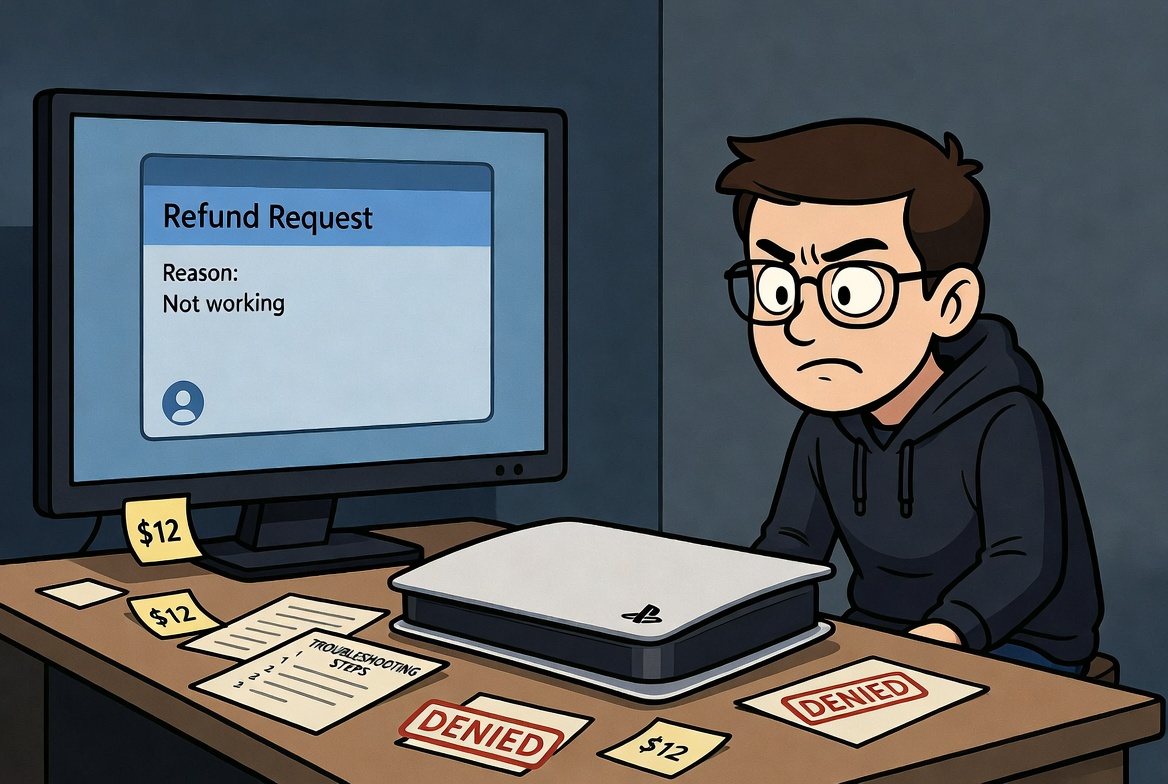
The Absurd Battle for a Simple Refund
With the sudden rise of gaming consoles blatantly, yet slowly, going 100% digital, video-gamers are concerned that this move is just another "be happy and own nothing" scenario playing out before our very eyes. In this new emerging digital age, users just want refunds on games that don't live up the the hype in their trailers, or are just buggy and riddled with lazy developments and palpably poor performance. Take into consideration the situation of a $12 PS5 horror game that's plagued by awful storytelling, pointless prompts, incessant amounts of bootlicking in-game messages from the developer just for buying the game before even letting you play it at all, spotty performance, clunky mechanics, broken stealth, and several frustrating glitches. What should be a straightforward request quickly turns into an unneccesary multi-step interrogation involving troubleshooting, safe mode, system updates, and publisher redirects — even after explicitly stating that the game was deleted and all of the issues were developer-side.
Why This Process Is Absurd
PlayStation's AI assistant quickly funnels you to live support, only for the agent to run through endless generic console troubleshooting steps despite clear confirmation of no error codes and a game-specific list of problems. Users shouldn't have to repeatedly remind support that they're seeking a refund, not tech support, especially for such a low-value digital purchase. It's not like you're asking for a hundred dollar refund here, but Playstation support is instructed to grill you and drag you along for the ride anyways just to see how badly you need the refund. They also try passing the buck to the developer, and again, force you to reiterate that you are here for a refund. You shouldn't have to tell them this, they should just process the refund instead of ignoring what you say and insisting on performing a list of troubleshooting steps for absolutely no reason at all. This experience highlights how rigid and frustrating digital refund policies can be, turning minor requests into lengthy ordeals that do nothing but test their customer's patience and sanity.
What Asking For A Refund Actually Looks Like
You:Get Started
PlayStation Online Assistant:Hi there! You’re now speaking with the PlayStation Assistant! I can help you with all things PlayStation.
Give me a moment to set things up for you.
This is an AI chatbot and may make mistakes. Please don't share sensitive information such as full payment card details. We use your personal information as described in our Privacy Policy.
By using this chatbot, you agree to our Terms of Use.
PlayStation Online Assistant:How can I help you? You can pick from any of these options, or just chat with me!
You:Refund Eligibility
PlayStation Online Assistant:Are you the owner of the Playstation account that was charged?
You:Yes
PlayStation Online Assistant:What kind of purchase would you like refunded?
You:Return a Game
PlayStation Online Assistant:Which of the following best describes your reason for requesting a refund?
You:My purchase isn't working
PlayStation Online Assistant:Okay, to provide further assistance with this issue, I will need to transfer you to an agent.
Would you like to speak to an agent regarding this issue?
You:Yes
PlayStation Online Assistant:We've received your inquiry and will get back to you as soon as possible within business hours. Just so you know, we’re a messaging service and not a live chat. This means we might not always respond straight away. Please keep this window open. If you close it, or lose connection, you may not receive our replies.
The last person received a response within 30 minutes.
PlayStation Support:Good day! We do appreciate your time waiting for assistance. My name is Alex and I will make sure to provide you with the best resolution in this chat, making it fast and easy during our first contact. Please be advised that we are checking the details you provided to our AI assistant which mentioned that you are requesting a refund.
Could you please provide me with the following details:
• Your first and last name?
• Please provide the name of the content and confirm the reason for the return?
You:Hi, Alex. My name is Chance Trahan.
I recently purchased Project Songbird and it's not working properly. The game has problems with spotty performance, frame rate drops, and optimization issues, along with clunky and disjointed combat, broken stealth mechanics, and glitches like getting stuck on geometry, enemies clipping, or doors not functioning properly. These make the game unplayable.
I have already deleted the game from my playstation out of frustration with the game.
PlayStation Support:I understand Chance, I'm sorry to read that you are experiencing issues when try to play the content, as a player like you I understand that kind of issues it can be upset, In this case I understand you requested a refund in the IA-Bot Interaction, could yo please confirm?
You:Along with performance issues and navigation glitches, yes.
PlayStation Support:I understand Chance, please allow me a moment while I review this for you
You:Thank you, I appreciate anything you can do to help.
PlayStation Support:Thank you so much for the details and for your patience, to get a proper diagnosis of what's going on, May you please provide me the following details:
1 - Are you facing this issue on PS4 or PS5?
2 - Can you please confirm if you have the console handy?
3 - Are you getting an error code? If so, can you provide it? (In case you don't know how to find it here are the steps)
PS4 - Please go to Settings > System > Error History.
PS5 - Please go to Settings > System > System Software > Error History.
4 - What troubleshooting steps have you tried so far?
You:It's ps5, yes I have the console, no error codes just broken mechanics and spotty performance. I deleted the game and am not interested in reinstalling after receiving these issues. It's a developer issue with performance and bugs, and it's not necessarily developer error codes, so no system errors actually populate.
PlayStation Support:I understand Chance, please allow me a moment while I review this to provide you my best and find a solution for you.
You:Thank you.
PlayStation Support:Thank you for the details! I understand the situation with the game and that's why we're ready to move forward with some troubleshooting steps to get this resolved.
1- Is the system software and the Game updated to the latest version ?
On PS5, you can do this by highlighting each game on the Content Launcher and pressing Options > Check for Update.
For the system software: Go to Settings > System > System Software > System Software Update and Settings > Update System Software.
You:Yes, the system is on the latest software.
I deleted the game and will not be reinstalling, but it was on the latest version when I was playing it.
PlayStation Support:Thank you for confirm, You'll need to start the safe mode by following the steps on this link: https://www.playstation.com/en-us/support/hardware/safe-mode-playstation/.
Once in safe mode, select the option 6: Clear Cache and Rebuild Database. Keep in mind this won't delete your content, It'll delete any corrupted data. I am positive this can fix the issue. In case the problem persists, we can provide some other steps.
You:I already did that. But, thanks for the suggestion.
PlayStation Support:Than you for follow that step, Now please you could follow this:
• Turn off your PS5 console. Press and hold the power button until your console beeps.
• Using a PC or Mac, create a folder named "PS5" on a USB drive formatted as FAT32 or exFAT. Inside that folder, create another folder named "UPDATE".
• Visit the PS5 system software update page and select the "Update system software" section. Download the update file and save it in the "UPDATE" folder. Save the file as "PS5UPDATE.PUP".
• Plug the USB drive containing the file into your PS5 console.
• Start your PS5 console in Safe Mode: press and hold the power button, releasing after the second beep.
• Select Update System Software.
• Select Update from USB Storage Device > OK. If your PS5 console does not recognize the update file, check that the folder names and file name are correct. Enter the folder names and file name using uppercase letters. You can find the complete details by checking our support site:
https://www.playstation.com/en-us/support/hardware/ps5/system-software/
You:No, but thank you.
I do not need to update my ps5 for any reason, this is a game issue and is not related to my ps5.
PlayStation Support:Thank you for confirm, by any chance do you have an external SSD / HDD?
You:No.
PlayStation Support:We have run out all troubleshooting steps and it will be necessary to reach the publisher for further guidance and report the issue.
The best option is to reach the publisher directly by sending a direct message in his official channel, specially in "X" :
You:I am here for a refund, sir.
Playstation facilitated the transaction, not the developer.
PlayStation Support:As a gesture of good will, I will process your refund back to your card and you will receive a confirmation email. It may take 1-2 billing cycles to post to the statement of your payment method. Before I proceed, do you have any further questions?
You:Thank you. Please, process the refund.
PlayStation Support:Good news! The refund has been processed.
You:Thanks, tell Playstation that this process of getting a refund and it taking an hour long is morally corrupt on their part. Have a nice day.
Digital-Only Push and Consumer Frustrations
While the refund was eventually approved as a "gesture of good will", the process raises questions about consumer-friendliness in an era where PlayStation is aggressively pushing digital sales only. Gamers are increasingly concerned about this direction overall, mainly tied to that whole "own nothing and be happy" ideology being pushed by the elites previously mentioned. Many are canceling their PS Plus memberships in protest, particularly with major titles like GTA VI going 100% digital.
Gamers are saying, "they have the right to revoke your license to the game any time they want". And for a $12 game, the friction in refund request processes are highly disproportionate — a reminder that even big platforms can make simple things unnecessarily difficult while limiting customer ownership and recourse. It's like they're fighting you the whole way and seeing if you'll just give up and walk away from the refund altogether. Morally corrupt, greedy corporation mumbo-jumbo, at best.